Your SharePoint. Your data. Your control.
One of the biggest differences between Timesheet and traditional timesheet software is where your data lives.
We don't host your timesheets. You do.
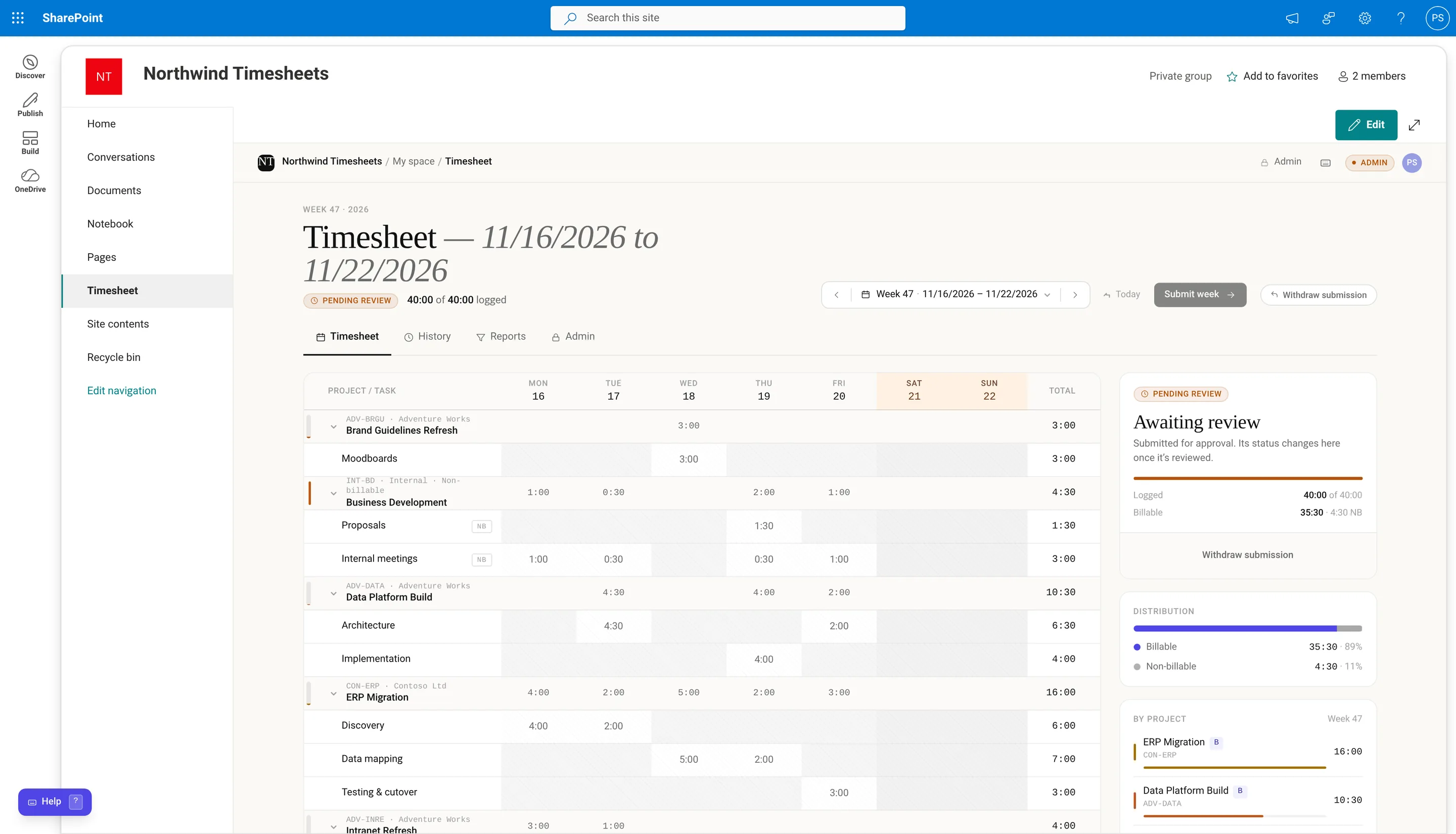
Timesheet is built using the SharePoint Framework (SPFx). Your IT administrator installs the
app package in your Microsoft 365 tenant, and you add it to a SharePoint site like any other page.
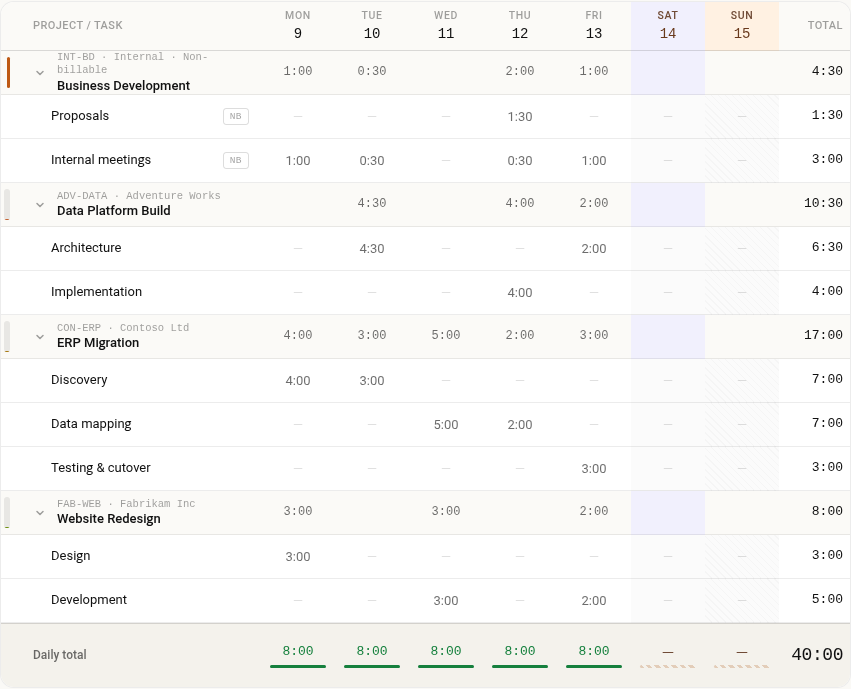
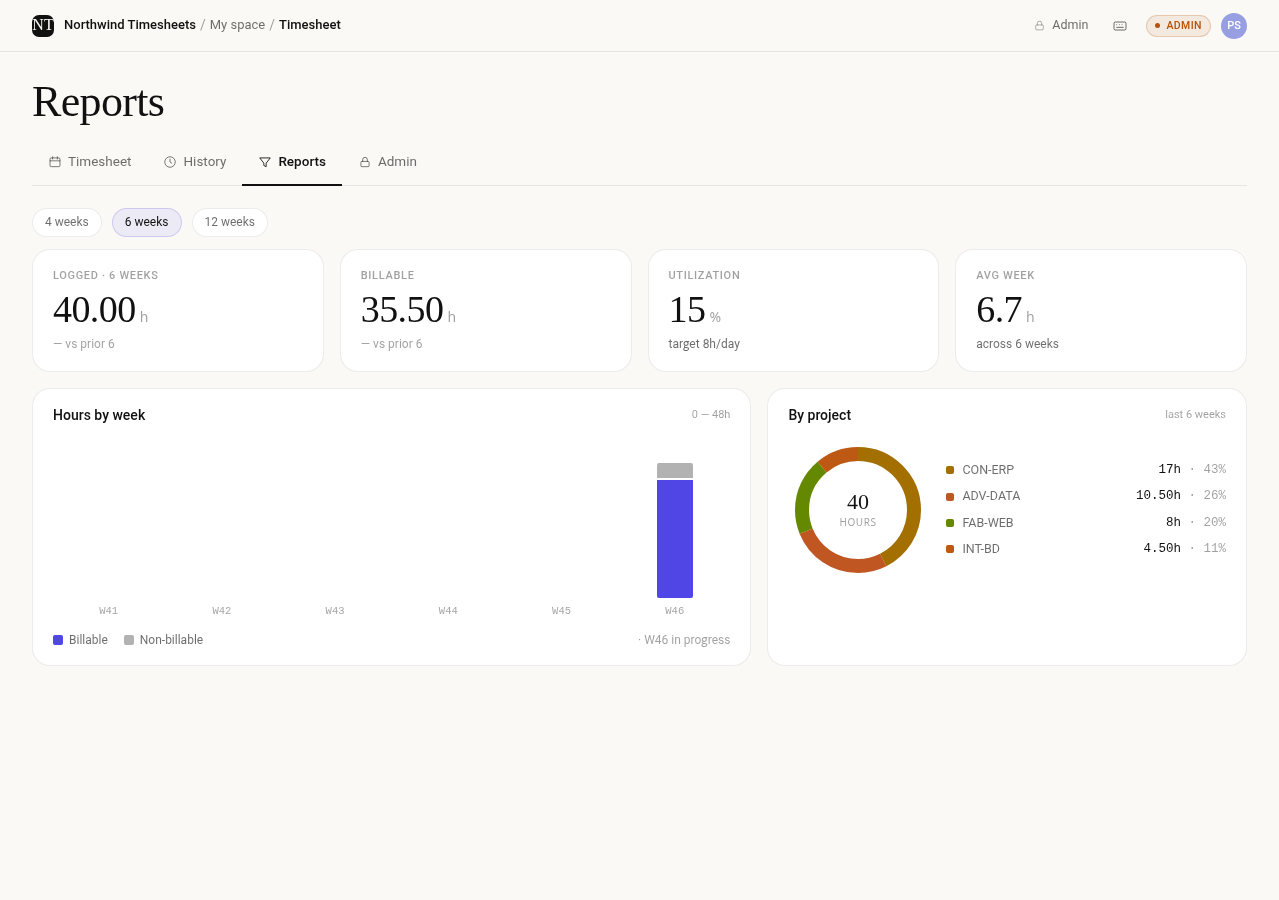
All your timesheets, projects, clients, approvals, and settings are stored in SharePoint lists on that site.
That means your organization's existing Microsoft 365 governance, retention, and backup
arrangements can apply to your timesheet data too.
Designed with security in mind
Timesheet uses SharePoint permissions to control access to its data.
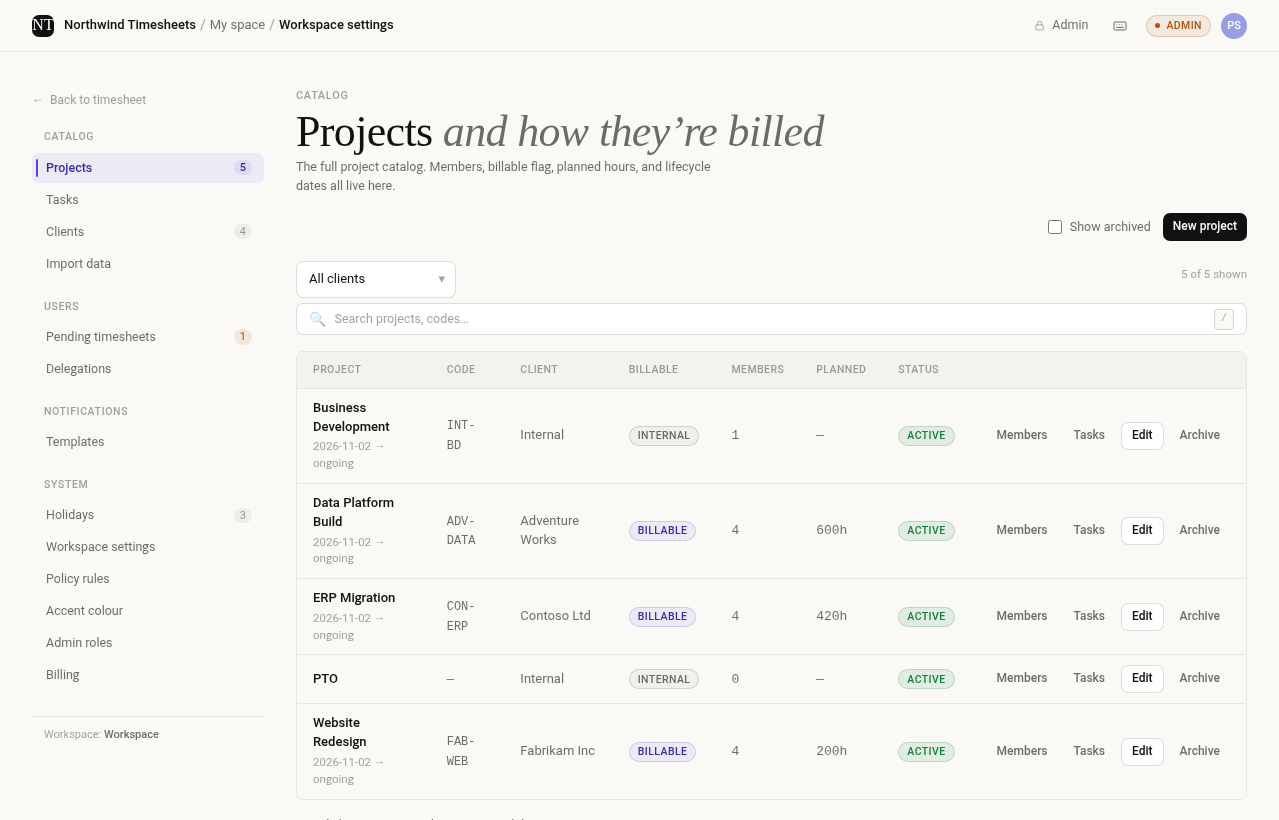
Project and configuration lists are restricted so only site administrators can make changes.
Approval records are also protected, with users limited to modifying their own records. Other
lists follow your site's permissions.
The app uses Microsoft Graph to look up people in your organization and send email notifications.
We also include checks to help protect the integrity of approvals. Timesheet verifies approval
records against SharePoint's own record of who made the changes and flags entries that have
been modified after approval.
If your IT team wants to understand exactly how the app works, we've documented the
permissions, data storage, and licence requests in detail.
Read the security details →