Track time where your team already works
Your people already open SharePoint every day. When time tracking sits on a page there, logging hours doesn't mean another app, another password or another place for company data to live.
Time against clients, projects and tasks
Set up clients and projects the way you bill them. People log their hours against the tasks on their projects, mark what's billable, and add a note when a day needs explaining. If this week looks like last week, they copy it over.
See where the hours go
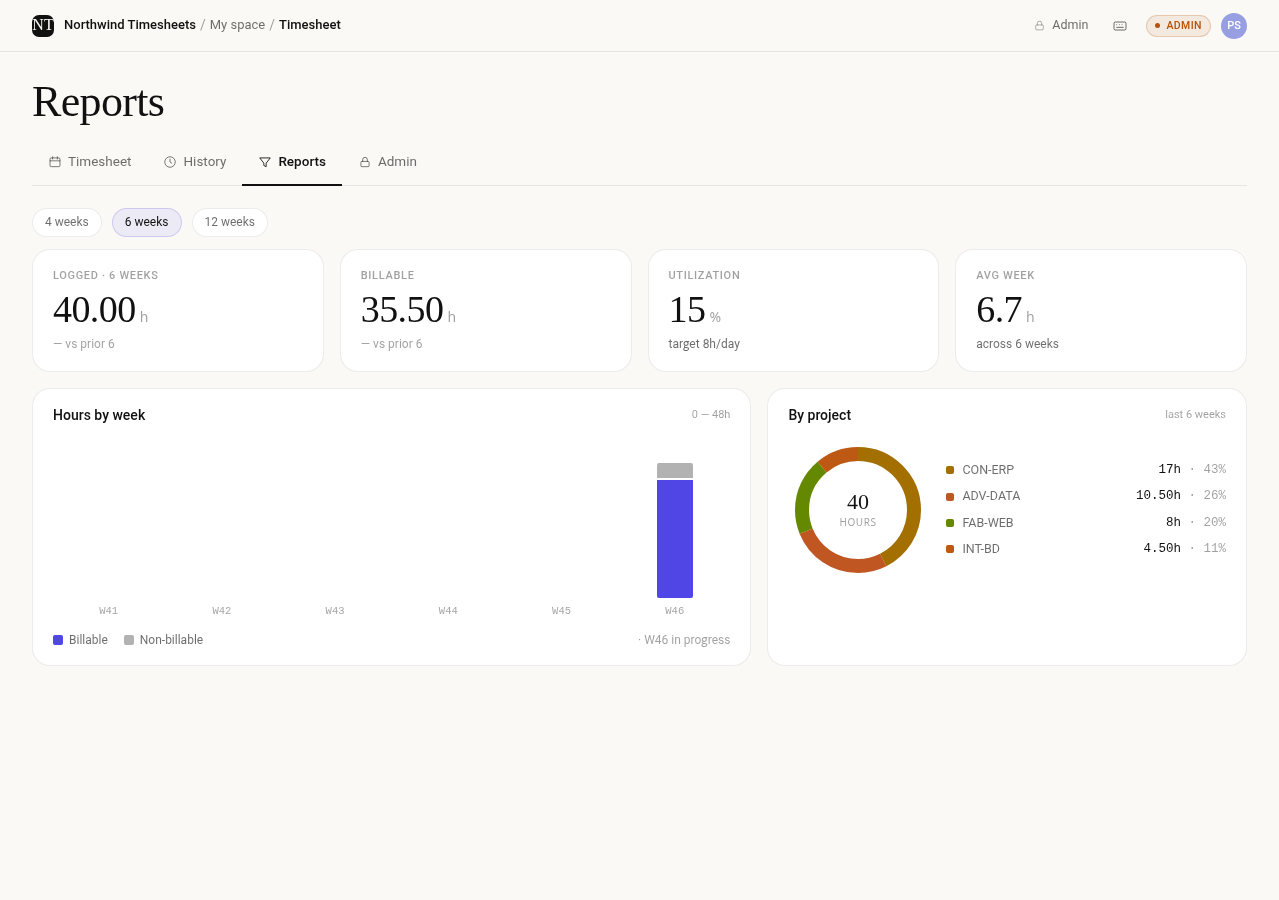
Reports show hours by week and by project, how much of it was billable, and how much of each working week people logged. Filter by dates, people or client, and download the detail to Excel for payroll or invoicing.
Approved time you can rely on
Each week goes to the person's manager for approval. Approved weeks stay locked, and any later change is marked, so the numbers you invoice from are the numbers that were approved.
If you only need a simple log for now, start with our free SharePoint timesheet template. When you need approvals and reports, try Timesheet for SharePoint.