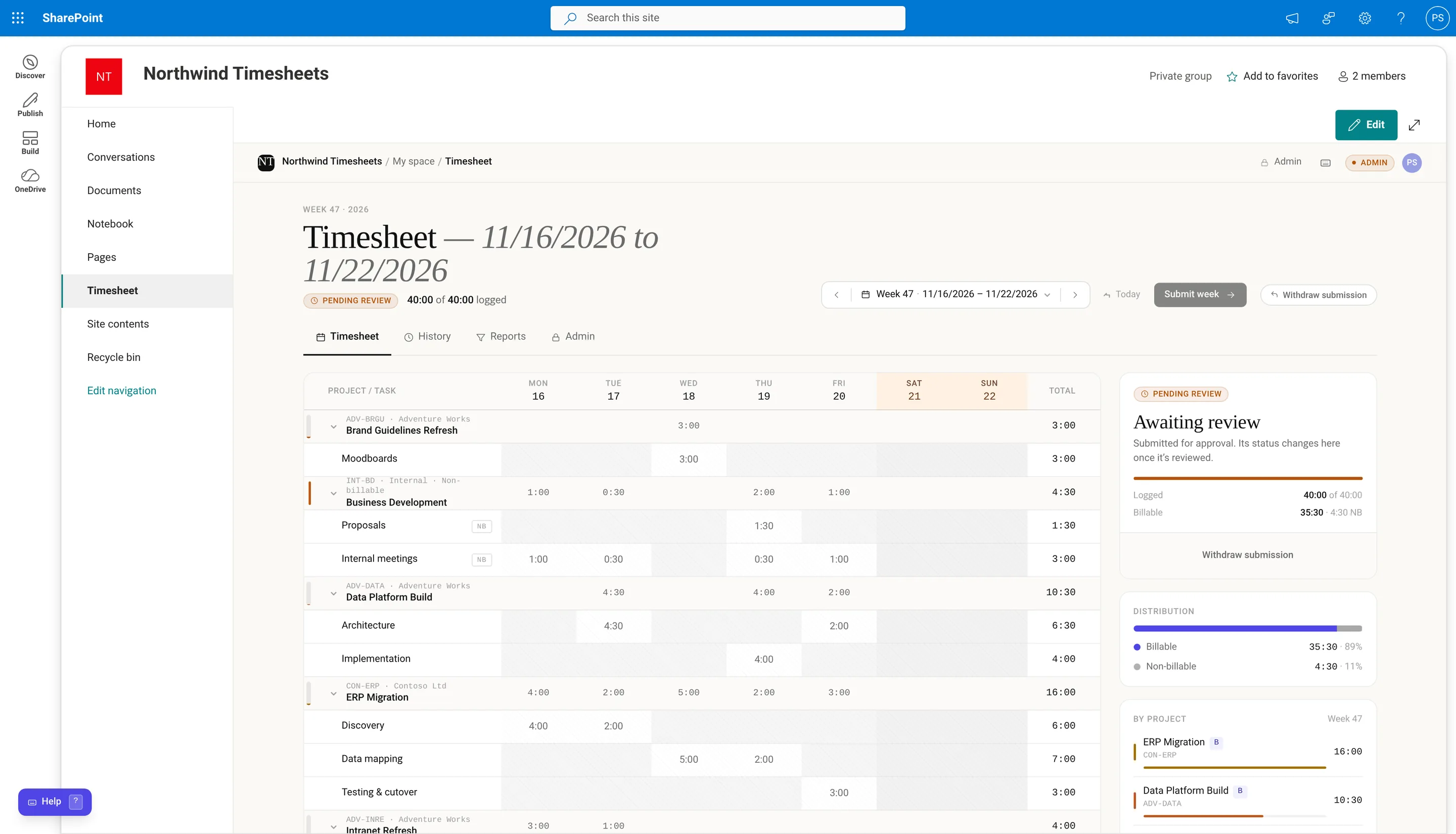
Microsoft 365 doesn’t include a timesheet for logging hours against clients and projects. Here are the options teams use, and what each one is good at.
Shifts in Microsoft Teams
Shifts has a time clock for frontline staff to clock in and out of scheduled shifts. It’s built for rotas and attendance, not for recording which client or project the hours went to.
Planner
Planner organizes tasks and who owns them. It’s a good place to plan work, but it isn’t designed for weekly timesheets, approvals or billable hours.
A SharePoint list
A list with date, project, task and hours columns is a quick way to start, and our free SharePoint timesheet template sets one up in a minute. Approvals, locking and reports are up to you to build. Our guide to creating a timesheet in SharePoint Online walks through it.
Power Apps and Power Automate
You can build a timesheet app with a Power Apps form, a Dataverse or SharePoint data source, and an approval flow. It fits your process exactly, and someone on your team maintains it from then on.
Dynamics 365 Project Operations
Project Operations includes time entry as part of a full project accounting system. It suits organizations that run their projects and billing in Dynamics, and it’s licensed separately.
An app that installs in SharePoint
Timesheet for SharePoint adds a finished timesheet to a SharePoint page: a weekly grid, manager approvals using the managers already set in Microsoft 365, email notifications, and reports you can export to Excel. It installs from your app catalog, the data stays in lists in your own site, and there’s a free 30-day trial.